Persist data with DBaaS
By default, the VotingApp deploys its own Redis and Postgres databases. In this section, you’ll use Exoscale managed databases (DBaaS) instead.
Creating a Postgres DBaaS 🔗
From the DBAAS menu, create a Postgres database.

Provide a name (postgres in this example) and permit access from all IP addresses (0.0.0.0/0).

After a few tens of seconds, the database is ready to be used.

Get the database connection string.

Next, get the admin password.


In the current example, the database connection string is the following one.
postgres://avnadmin:AVNS_J69-Wwm6NWeQ_6Ff6L4@postgres-exoscale-05aaa4d1-d219-44b2-ac69-e36bc02ab93e.g.aivencloud.com:21699/defaultdb?sslmode=require
Creating a Cache DBaaS (Redis compatible) 🔗
From the DBAAS menu, create a Cache database.

Enter the database’s name (redis in this example) and allow access from all IP Address (0.0.0.0/0).

After a few tens of seconds, the database is ready to be used.

Get the database connection string.

Next, get the admin password.


In the current example, the database connection string is the following one.
rediss://default:AVNS_oQH3rDIiXtwv1rfS4Fo@redis-exoscale-05aaa4d1-d219-44b2-ac69-e36bc02ab93e.g.aivencloud.com:21700
Storing connection strings in Vault 🔗
Login using the root token.
vault login
Create a secret for each connection string.
vault kv put votingapp/pg/url url="postgres://avnadmin:AVNS_J69-Wwm6NWeQ_6Ff6L4@postgres-exoscale-05aaa4d1-d219-44b2-ac69-e36bc02ab93e.g.aivencloud.com:21699/defaultdb?sslmode=require"
vault kv put votingapp/redis/url url="rediss://default:AVNS_oQH3rDIiXtwv1rfS4Fo@redis-exoscale-05aaa4d1-d219-44b2-ac69-e36bc02ab93e.g.aivencloud.com:21700"
Add read capabilities for the redis related secrets in the policy.hcl file.
path "votingapp/data/pg" {
  capabilities = ["read"]
}

path "votingapp/data/pg/*" {
  capabilities = ["read"]
}

path "votingapp/data/redis" {
  capabilities = ["read"]
}

path "votingapp/data/redis/*" {
  capabilities = ["read"]
}
Upgrade the policy so it can also read redis related secrets.
vault policy write votingapp-readonly policy.hcl
Upgrade the application 🔗
Modify the application configuration so it uses external-secret to fetch the connection strings from Vault.
# Postgres configuration
postgres:
  connection:
    externalSecrets:
      enabled: true
      key: votingapp/data/pg/url
      field: url

# Redis configuration
redis:
  externalSecrets:
    enabled: true
    key: votingapp/data/redis/url
    field: url
...
Next, update the application.
helm upgrade --install vote oci://registry-1.docker.io/voting/app --version v1.0.36 --namespace vote --create-namespace -f values.yaml
List the running Pods. The db and redis Pods are no longer running as the application now uses external databases.
$ kubectl get po -n vote
NAME                         READY   STATUS    RESTARTS   AGE
result-c744b9765-2hpf6       1/1     Running   0          16s
result-ui-6f58969896-g7tsx   1/1     Running   0          16s
vote-567bc9f6d5-njvph        1/1     Running   0          16s
vote-ui-866b66996f-kbxt4     1/1     Running   0          16s
worker-77f6588f5f-5b2rx      1/1     Running   0          16s
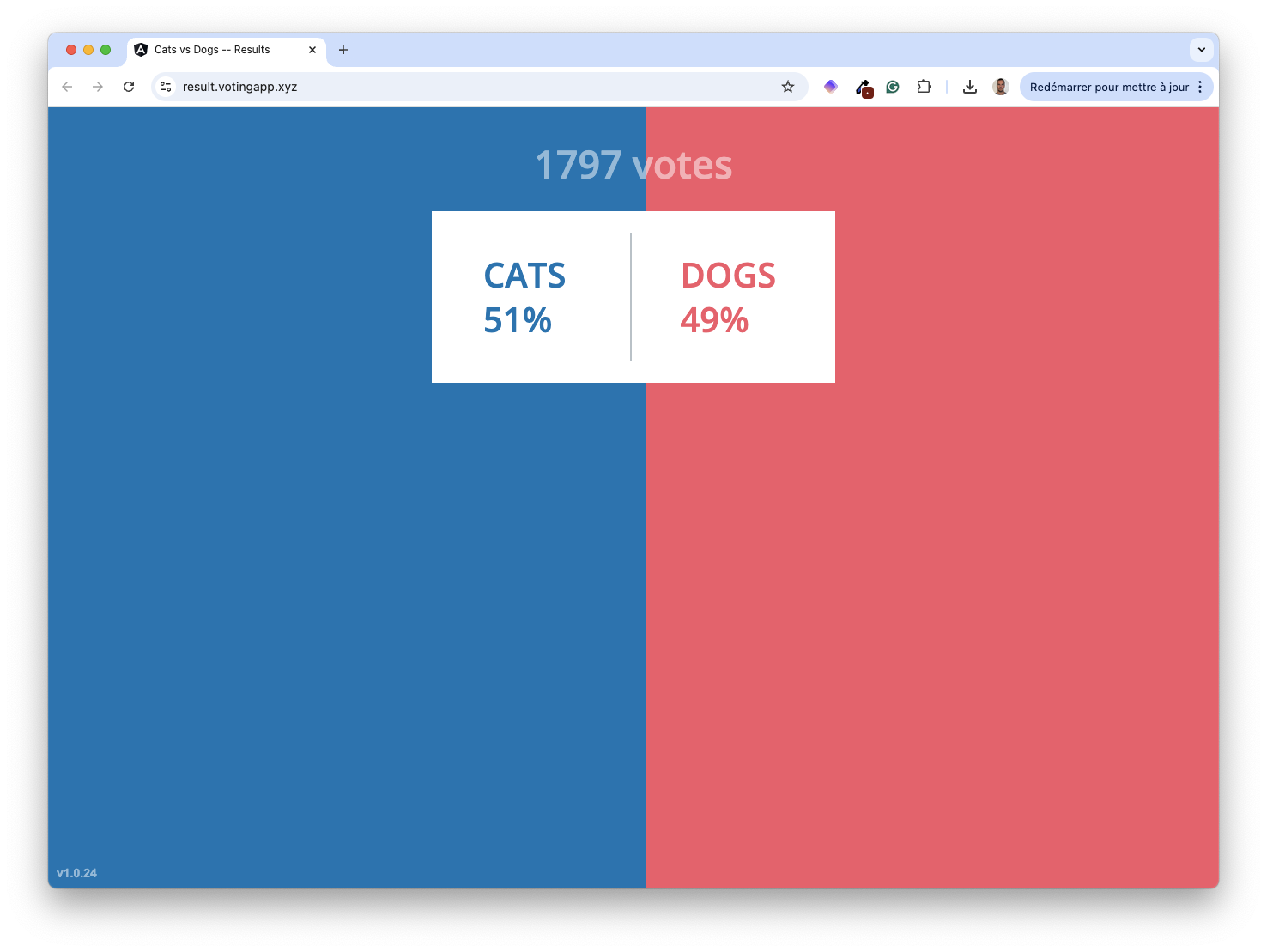
Verify the application is still working fine.